Client documentsPrivate
Annual report.pdf
Team resourcesShared
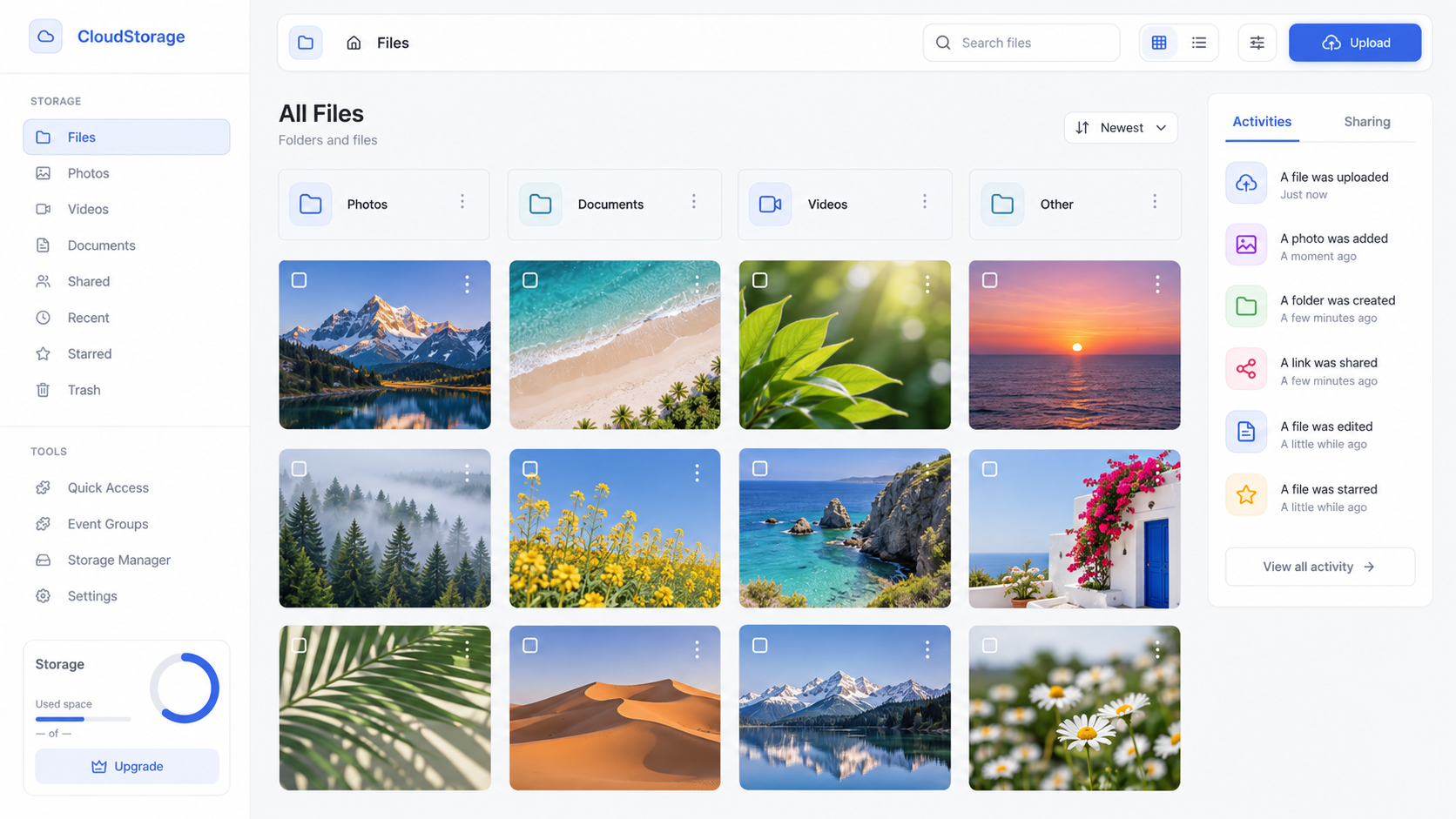
White-label cloud storage for the web
Starting a new cloud storage business—or already serving customers on iOS and Android? Get a production-ready web app with your brand, themes and features, without building the web platform from scratch.
Capabilities
Move files. Keep links intact.
Drop files. Handle duplicates.

Take a look, right here.
Send securely. Stay in control.
Tenancy
Pick a look. Add your tools. Meet your workspace.
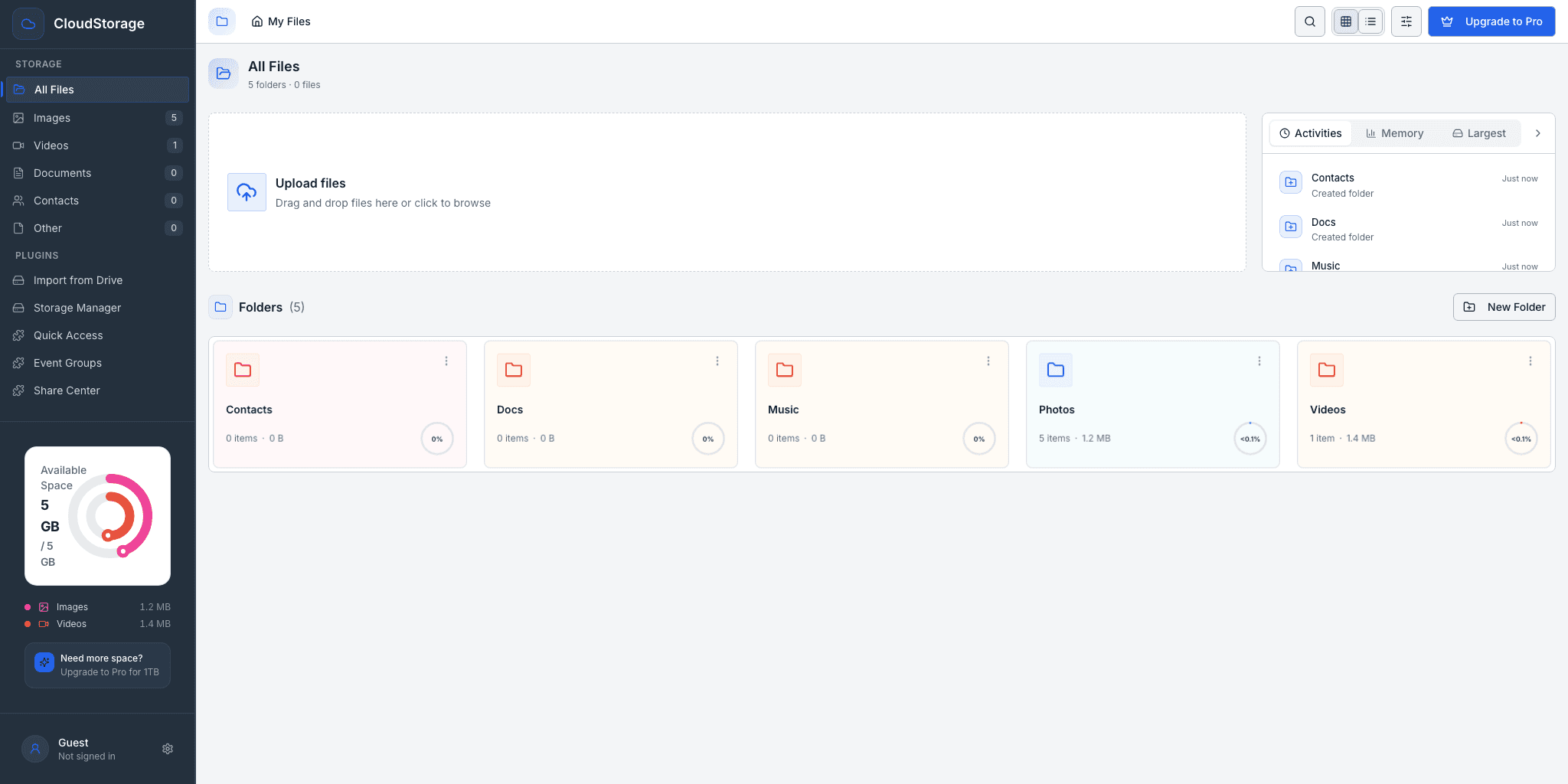
Product name, company, tagline, logo, compact logo, favicon, support links and upgrade destinations are declared once. Feature sections are booleans — enable the activity panel, storage widget, upgrade button or contacts section for one tenant and disable them for the next.
export const customer = {
  branding: {
    productName: 'Meridian Vault',
    companyName: 'Meridian Bank',
    tagline: 'Every record, held.',
    logoUrl: '/brand/meridian.svg',
  },
  theme: 'enterprise',
  features: {
    activityPanel: true,
    storageWidget: true,
    upgradeButton: false,
    contactsSection: false,
  },
};
Plugin engine
The app is a host shell. Every feature beyond core browsing is separately built and deployed, loaded at runtime through a versioned contract and a capability-gated host SDK.
Pulls files straight from Google Drive into the tenant’s own storage. The backend streams them server-side and checks for existing objects first, so repeat runs stay idempotent.
Capabilities files.import.drive
A shortcut dashboard over the library: pinned files, recent uploads, largest files and type filters. Injects “Pin to Quick Access” into the file browser’s own menu.
Capabilities files.read · files.preview
Curated albums built purely from metadata. Nothing is copied in storage, and renaming a file never breaks its album membership.
Capabilities events.read · events.write
One console for every link and invitation, classified as active, expiring, expired or exhausted. Shows the plaintext link and a printable code once, then offers replace and revoke against a live access log.
Capabilities shares.read · shares.write
A cleanup advisor that works without downloading the library. It groups files by size and type first, hashes only genuine duplicate candidates in a background worker, benchmarks lossless image re-encoding off the main thread, flags stale and uncurated assets, and projects the date the tenant’s quota runs out from real growth velocity. Findings land in a review album the user can act on in the normal file browser.
Capabilities files.read · events.write
Pricing
Infrastructure runs in your own cloud account. Licensing covers the shell, the plugin engine and the theming system.
$0
Evaluate on your own cloud account
Custom
For regulated and reseller deployments
Questions
A single deployment serves every customer. Branding, feature switches and theme are declarative configuration per tenant, so adding a customer never means forking the codebase.
Objects live in Amazon S3 and metadata is indexed alongside them, both inside your own cloud account. Licensing covers the host shell, the plugin engine and the theming system, not the infrastructure.
Every feature beyond core browsing is an independently built and deployed micro-frontend. The host loads it at runtime from a signed registry and hands it a capability-scoped SDK, so a plugin only reaches what it declared.
User separation in the current release is enforced by the application layer and the sharing gatekeeper, not by per-user storage credentials. FyreStorage is not marketed as zero-knowledge storage. The architecture is laid out so tightening to credential-enforced prefixes needs no application rewrite.
Yes. Shares carry policy: hashed tokens, optional passwords, expiry dates, download caps and instant revocation, with an access log recording who opened what.
Get started
Send a logo and a palette. We come back with your tenant running on the real product.
Contact us
Have a question about FyreStorage? Tell us about your product, your team, or the storage experience you want to create.
Planning a launch or a custom deployment?
Share a short project brief: your idea, expected users, storage needs and timeline. Four quick steps; only your name and email are required.
Just a quick question? Use the message form.